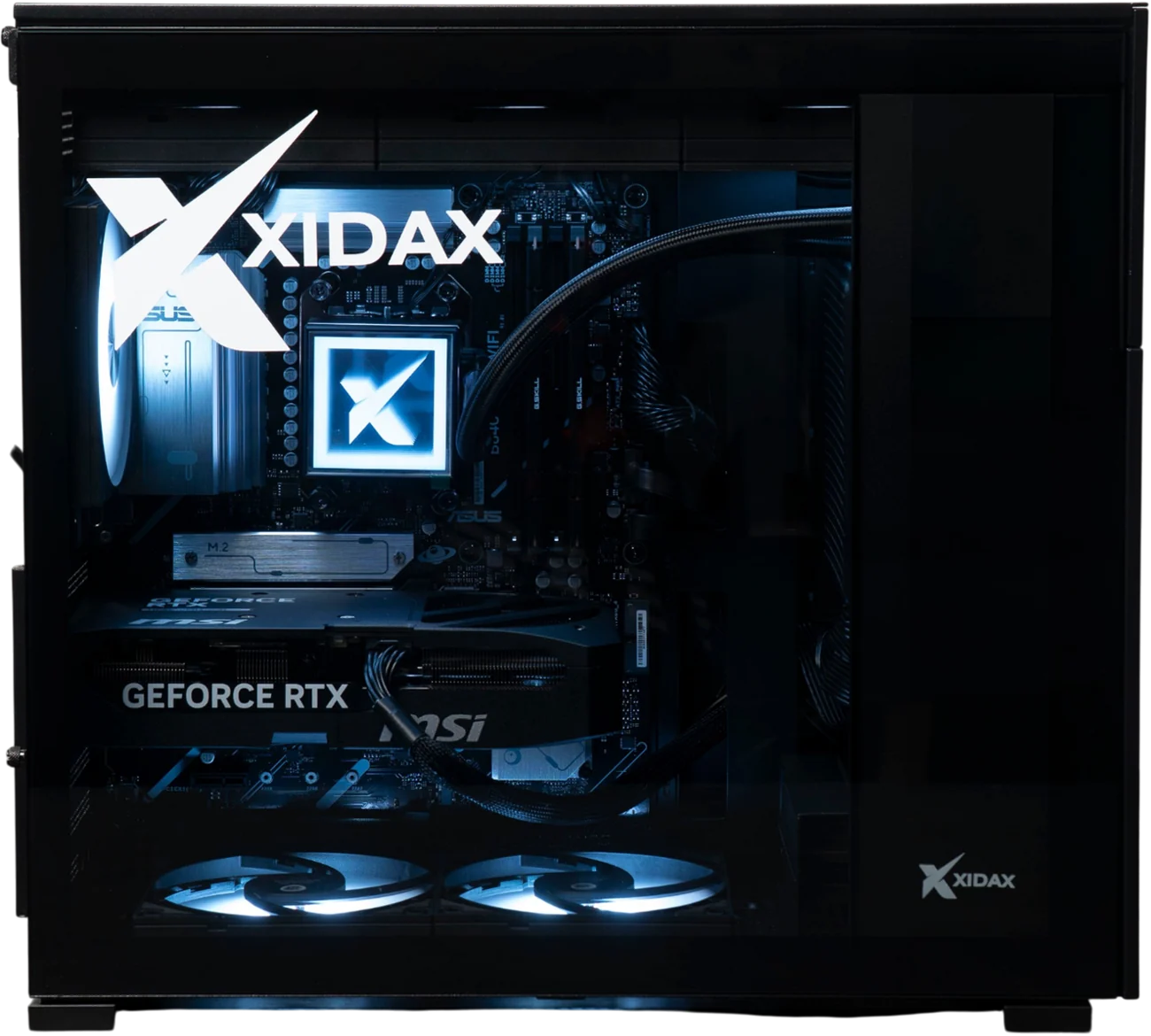
For one person or a small team
Desktop AI
NVIDIA RTX 5070 to 5090
- Up to 32 GB of AI memory
- A private AI assistant at your desk
- Ready to go. Plugs into a normal outlet.
Shop at xidax.com
Use code DAN for a discount
Home / Run AI locally
Dan Young, founder of PC Laptops and Xidax
I run AI across my own companies, and at Xidax we build the machines it runs on. Here's the straight answer on what you need, what you don't, and when owning the machine actually pays off.
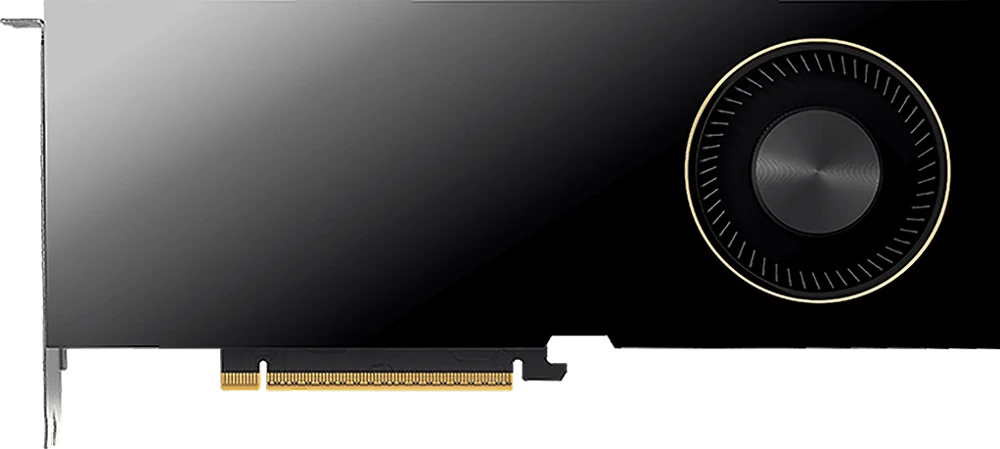
NVIDIA RTX PRO
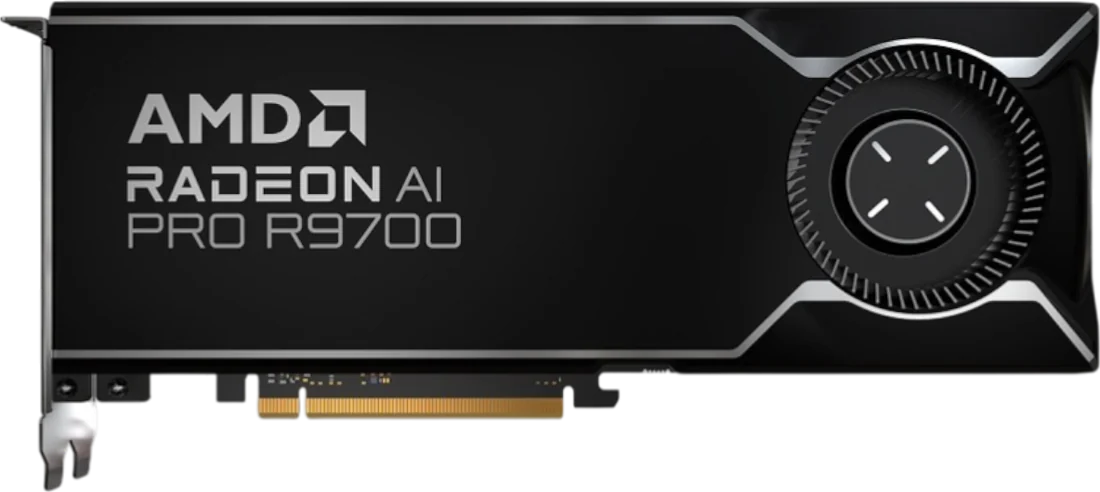
AMD Radeon AI PRO
Xidax AI machines
The same people who build these machines run AI in our own companies every day.
Every question your team asks gets answered right here, not on somebody else's server.
More AI memory runs bigger, smarter models. We size it to your team.
No per-question bill. No customer records in someone else's cloud.
The lineup
Three ways in. Most companies land in the middle.
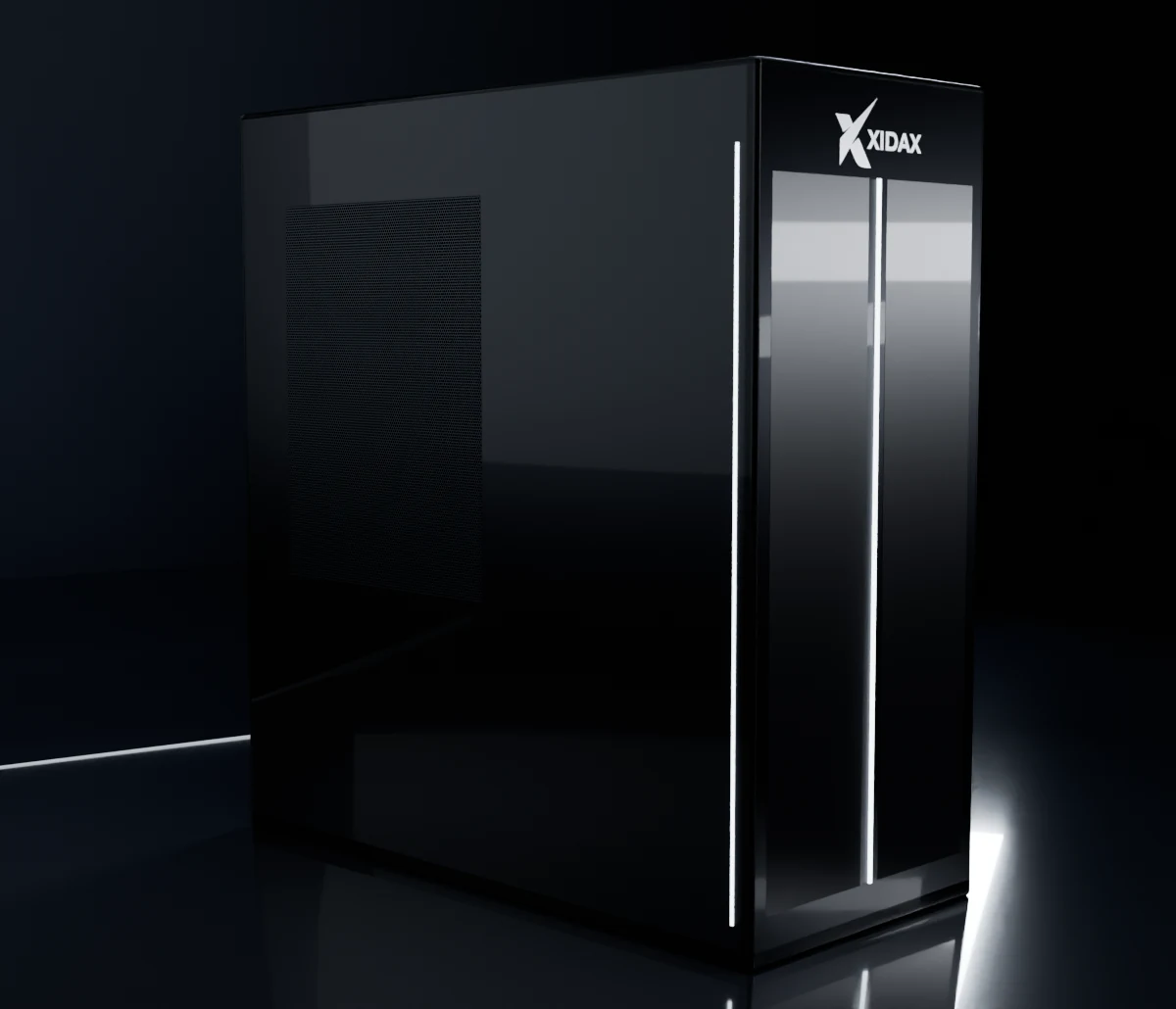
For one person or a small team
NVIDIA RTX 5070 to 5090
For a team
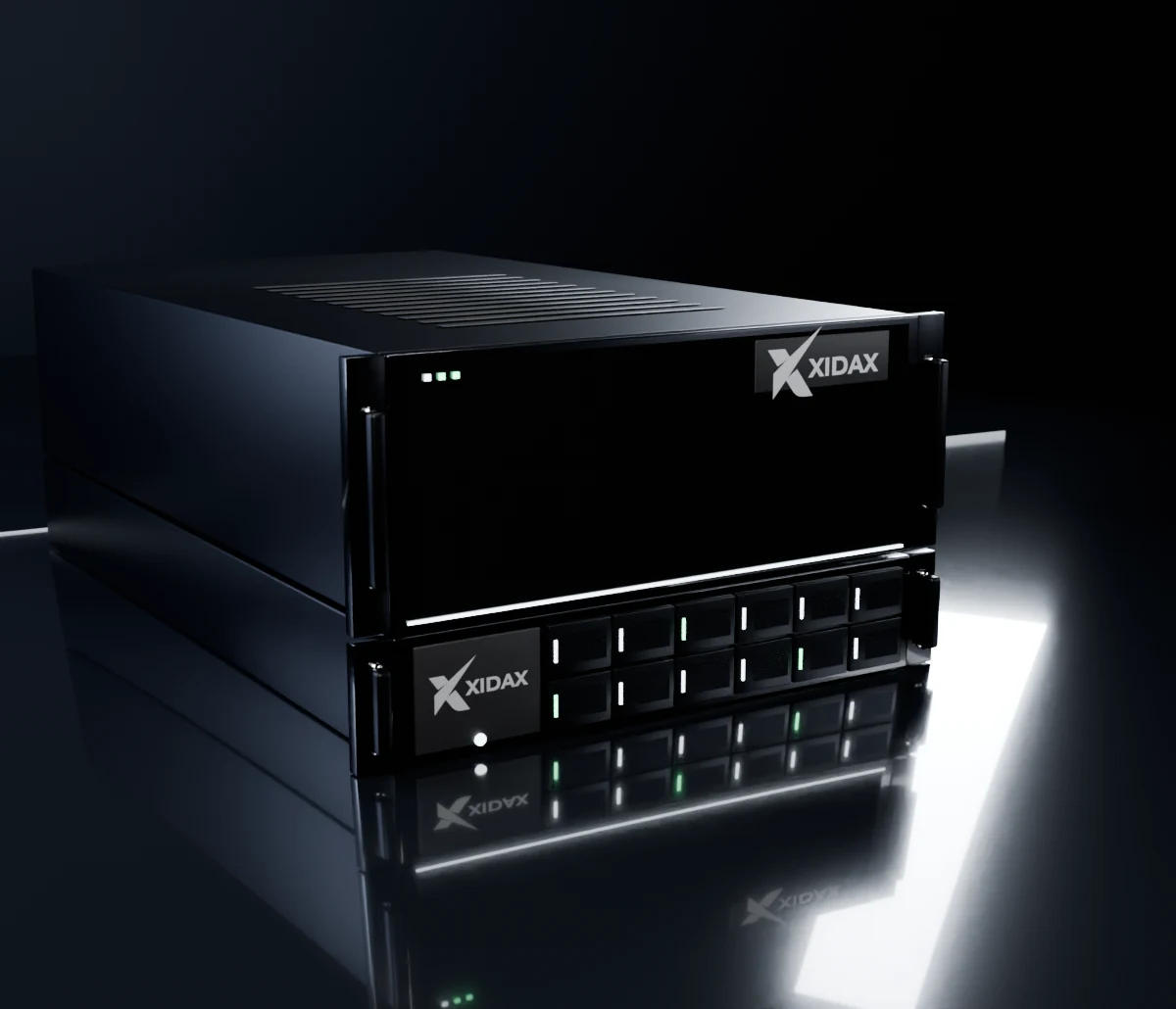
NVIDIA RTX PRO or AMD Radeon AI PRO
For the whole company
Up to four NVIDIA RTX PRO cards
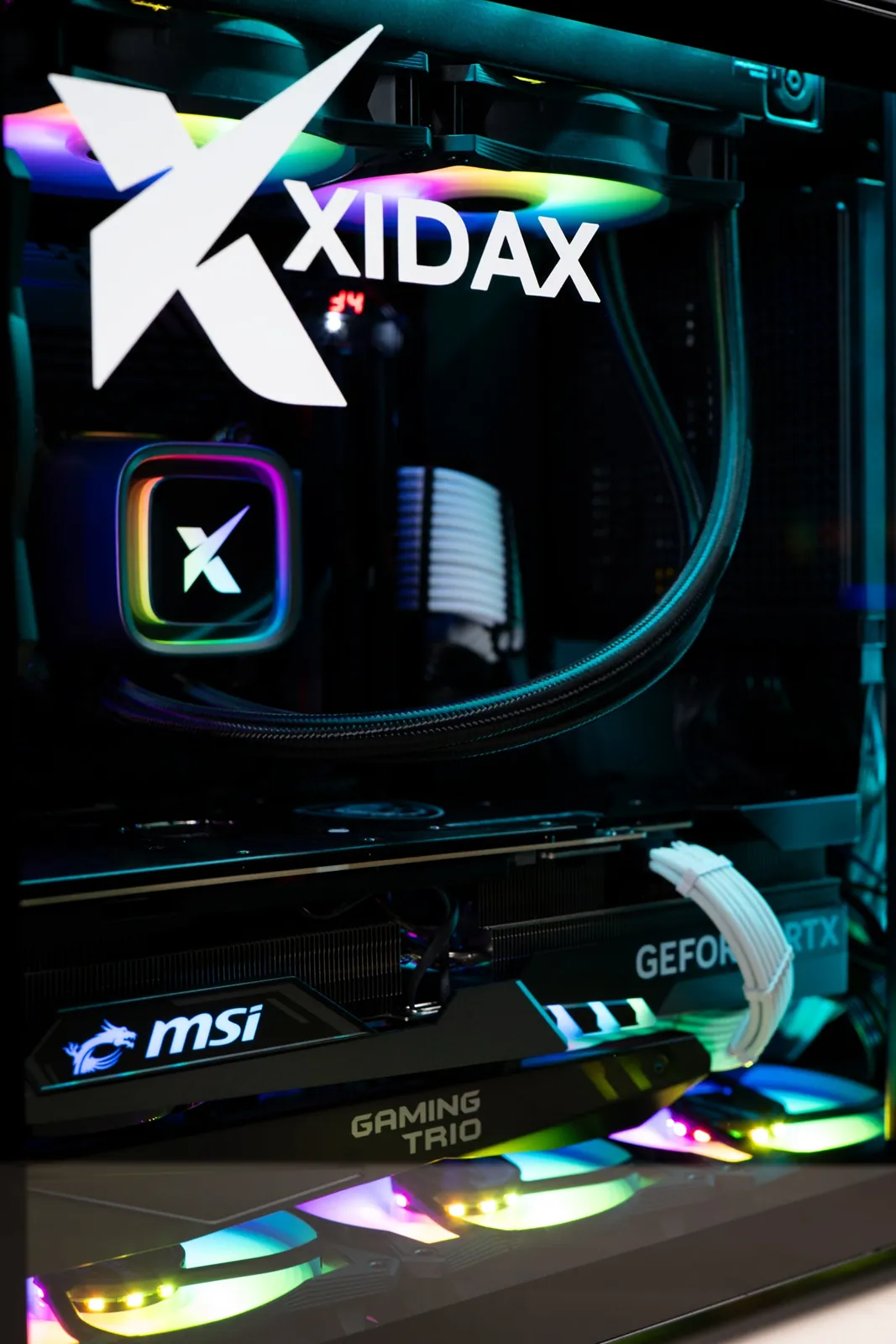
Actual configurations may vary from photos. Quotes are good for 30 days because card and memory prices keep moving.
Pinch, scroll or double-tap to zoom. Drag to look around.
Xidax builds. Configurations vary.
Claude, ChatGPT and Grok run in the cloud. Your question goes out to their servers, the answer comes back, and you get billed for it. For that, you don't need a special computer. Any solid machine works.
Running AI locally means the model itself lives on a computer in your building. Nothing goes out. No bill per question. It works with no internet. That's where the hardware matters, and it comes down to one thing: memory on the graphics card.
An AI model has to fit in the graphics card's memory to run fast. Rough rule: at the 4-bit compression most people run locally, a model needs a little over half a gigabyte per billion parameters, plus room for whatever documents or conversation you're working on.
Rough numbers. Exact needs depend on the model, the compression and how long your documents are.
Two ways to buy. Grab a desktop for one person or a small team, or get an X1 AI machine built for your whole company, on NVIDIA or AMD.
| Card | AI memory | Good for | How to get it |
|---|---|---|---|
| NVIDIA RTX 5070 | 12 GB | You mostly use Claude, ChatGPT or Grok in the cloud. | Ready to go |
| NVIDIA RTX 5080 | 16 GB | Smaller models and a private assistant on your own desk. | Ready to go |
| NVIDIA RTX 5090 | 32 GB, plus 64 GB system memory | Bigger models, long documents, image and video. | While stock lasts. 5090s are tight. |
| Dual RTX 5090 | 64 GB | A small team on bigger models, for less per gigabyte than the pro line. | Quoted. Needs its own 20A circuit. |
Sort by price, high to low, to see the 5090s first. Use code DAN for a discount.
| Machine | AI memory | Roughly what it runs | Good for | Power |
|---|---|---|---|---|
| X1 AI 32N | 32 GB | A small model, long documents | One person or a small office | Normal outlet |
| X1 AI 48N | 48 GB | A small model, more room | A small team | Normal outlet |
| X1 AI 72N · most companies land here | 72 GB | A mid-size model | Most companies | Normal outlet |
| X1 AI 96N | 96 GB | A mid-size model that can also read images | A bigger team | Normal outlet |
| X1 AI 192N | 192 GB, two cards | A large model | A big department or a whole company | Needs a 20A circuit |
| X1 AI 384N | 384 GB, four cards | A very large model | The whole company | Needs 240V |
All six run on NVIDIA RTX PRO Blackwell cards, the fastest per person.
| Machine | AI memory | Cards | Why pick it |
|---|---|---|---|
| X1 AI 32A | 32 GB | 1 × AMD Radeon AI PRO R9700 | The low-cost way in on AMD |
| X1 AI 64A | 64 GB | 2 × Radeon AI PRO R9700 | Bigger models for a small team |
| X1 AI 96A | 96 GB | 3 × Radeon AI PRO R9700 | Room for a mid-size model and a team |
| X1 AI 128A | 128 GB | 4 × Radeon AI PRO R9700 | The most memory per dollar for running models for a whole team |
Why AMD: the most AI memory per dollar, and it ships fastest when you need a lot of machines on a deadline. It runs on Linux, and it's built for running AI models, not training them.
AMD builds are quoted on request and tested before they ship. We also build on Intel Arc Pro cards, 24 GB up to 192 GB, when the lowest cost per card matters most. Ask.
Send us your team size and workload, and we'll size it and send a written quote. Quotes are good for 30 days because card and memory prices keep moving.
One thing up front: Xidax builds, tests and stands behind the machine. You, your IT person or a consultant set up the AI software on it, and we'll point you to what's worth running.
Cloud AI charges every time someone uses it. One person asking a few questions a day? The cloud is cheaper, and I'll tell you that. A whole team using it all day, or work you automate on it? That bill can hit tens of thousands a month and keeps climbing. Buy the machine once, and the next question costs electricity.
The bigger reason is your data. When someone pastes a customer list, a contract or payroll into a cloud AI, it's on somebody else's servers, under their rules. On your own machine, it never leaves the building.
Run your own AI bill with the free calculator
I've been in tech since 1992, and I've been talking AI since years before ChatGPT. Here are the receipts. Today AI runs in just about every department of my own companies, and our operating costs are running $2.8 million a year lower with it. Here's where that came from. That's our own internal estimate, not audited.
No. Those run in the cloud, so any solid computer works. You only need serious graphics memory when you want the AI running on your own machine.
Yes. The model runs on the machine in your building, so it keeps working when the internet goes down.
The biggest cloud models are still ahead on the hardest problems. For everyday business work like writing, summaries, searching your own documents and answering questions about your data, strong local models do the job, and your data stays yours.
Yes, and most companies should. Keep sensitive data on your own machine and use the cloud where it makes sense.
Tell me how many people would use it and what eats their time. Real projects get a fast answer, and if it doesn't make sense for you, I'll tell you.